< Back
You are here:
Print

Multi-Factor Authentication (MFA)- Set Up Guide For The Top Common Apps

MFA — Set Up Guide For The Top …Common Apps

 If you are not sure what is MultiFactor authentication, watch the video below: 

Microsoft said that 99.9% of hacked accounts did not have MFA turned on. Don’t be one of those. We listed the Top 16 Common Apps with direct links to where you can enable MFA. It’s easy and straightforward! Start today and share this with your team, friends, and family!


Below find instructions on how to enable MFA on the app(s) that you use:

Google, FacebookInstagram, WhatsApp, Twitter, Apple iCloud, Microsoft, Amazon, LinkedIn, Reddit, TikTok, Paypal, Telegram, Discord, Roblox, Uber

Google

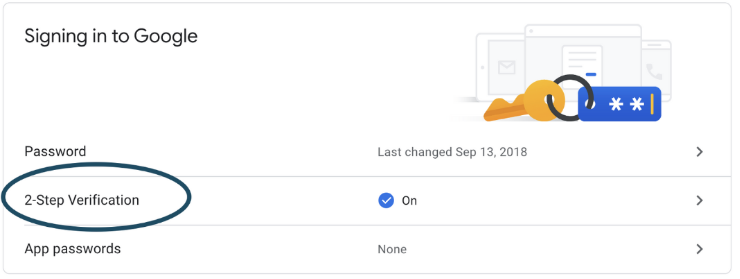
Google MFA

Direct Link for setting up Multi-Factor Authentication on Google

https://myaccount.google.com/security

Facebook

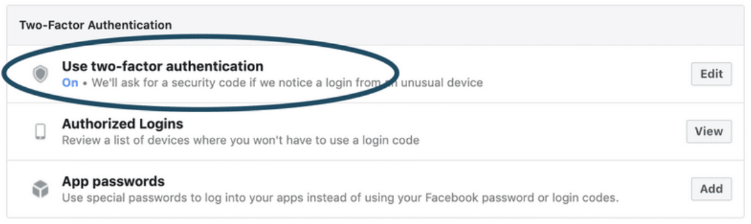
Facebook MFA

Direct Link for setting up Multi-Factor Authentication on Facebook

https://www.facebook.com/settings?tab=security

Instagram

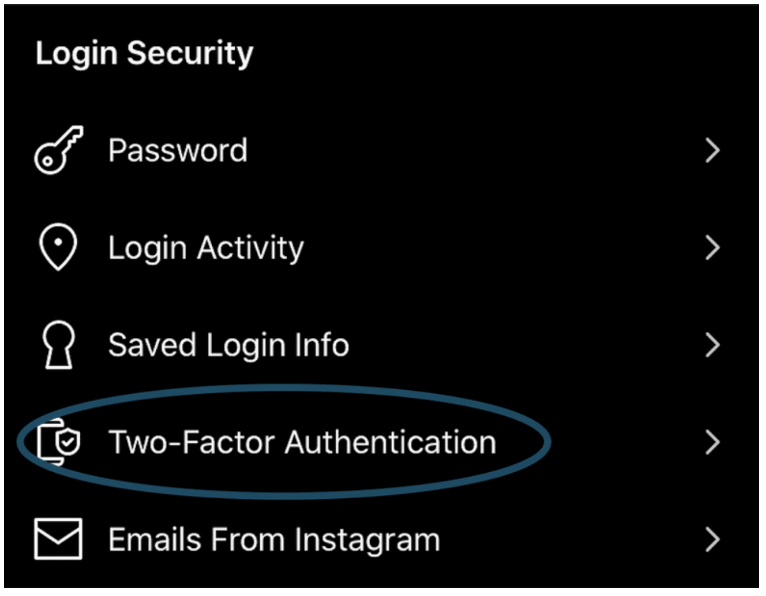
instagram MFA

Option 1: Direct Link for setting up Multi-Factor Authentication on Instagram

https://www.instagram.com/accounts/two_factor_authentication/


Option 2: How to enable Multi-Factor Authentication on Instagram App 

Settings > Security > Two-Factor Authentication

WhatsApp

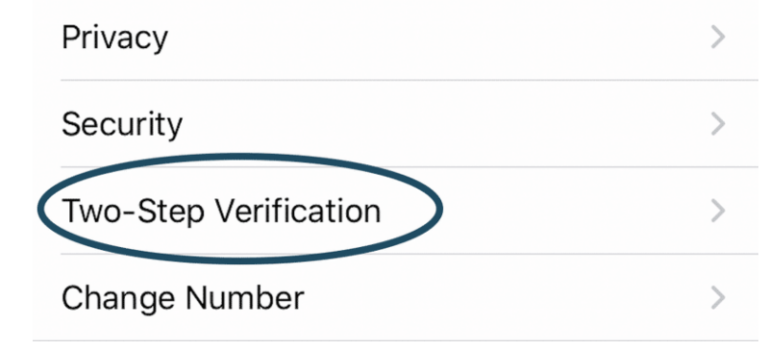
Whatsapp MFA

How to enable Multi-Factor Authentication on  WhatsApp

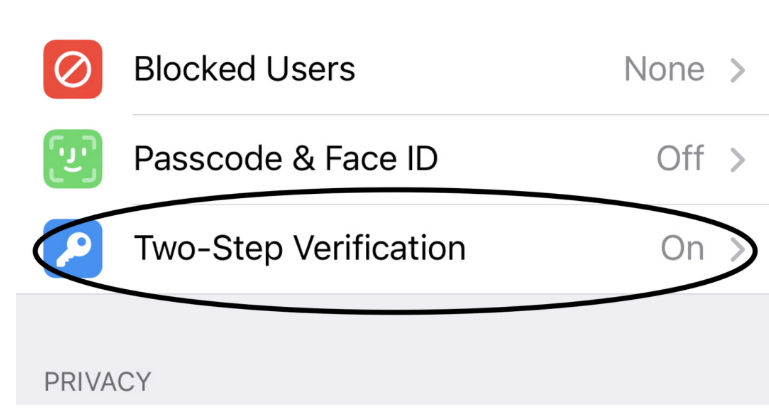
Settings > Account > Two-step Verification

Twitter

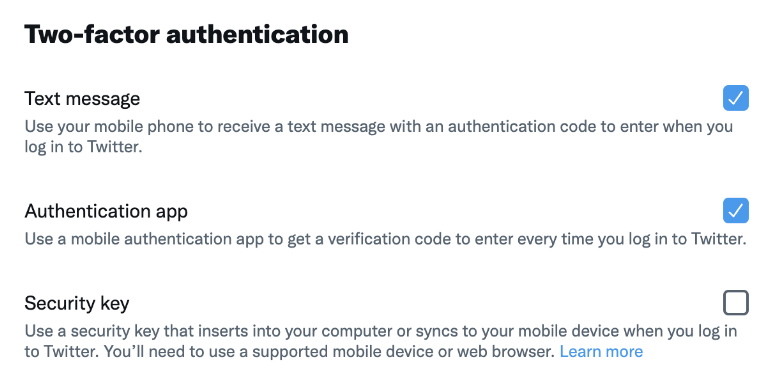
Twitter MFA

Direct Link for setting up Multi-Factor Authentication on Twitter

https://twitter.com/settings/account/login_verification

Apple iCloud

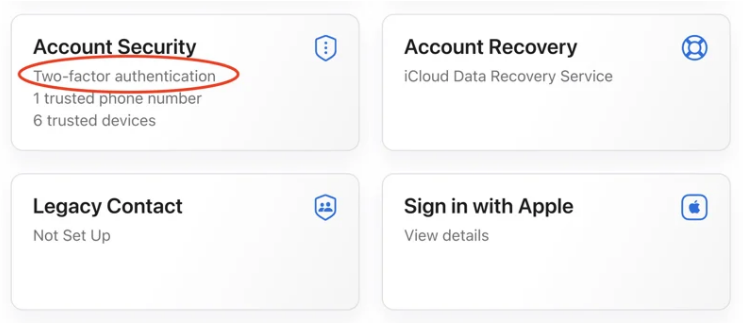
Apple Icloud MFA

Direct Link for setting up Multi-Factor Authentication on Apple iCloud

https://appleid.apple.com/account/manage

Microsoft

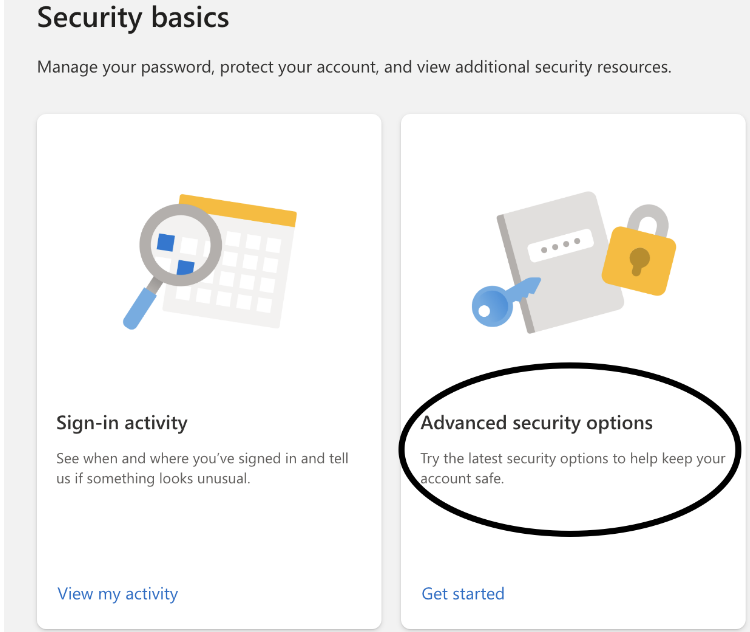
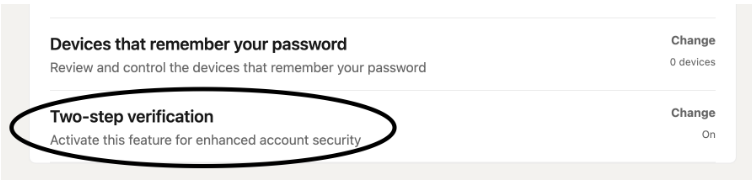
Microsoft MFA

Direct Link for setting up Multi-Factor Authentication on Microsoft

https://account.microsoft.com/security/

Amazon

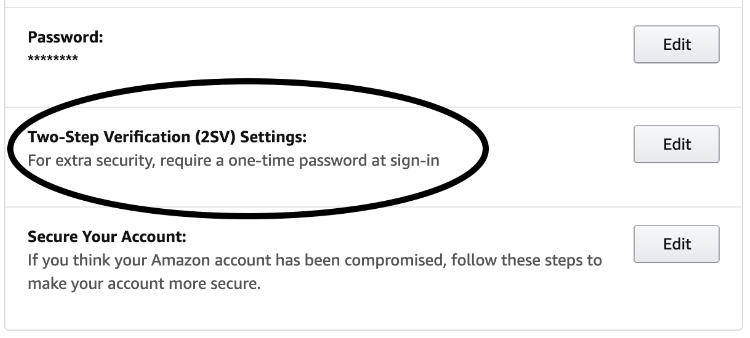
Amazon MFA

How to enable Multi-Factor Authentication on  Amazon

Your Account > Login & Security 

Linkedin

Linkedin MFA

Direct Link for setting up Multi-Factor Authentication on LinkedIn

https://www.linkedin.com/psettings/sign-in-and-security

Reddit

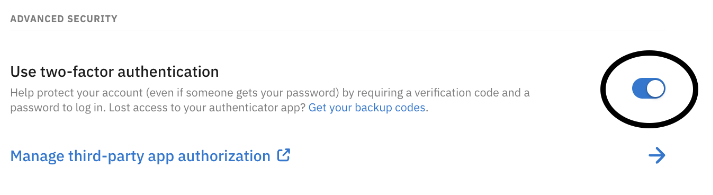
Reddit MFA

Direct Link for setting up Multi-Factor Authentication on Reddit

https://www.reddit.com/settings/privacy

TikTok

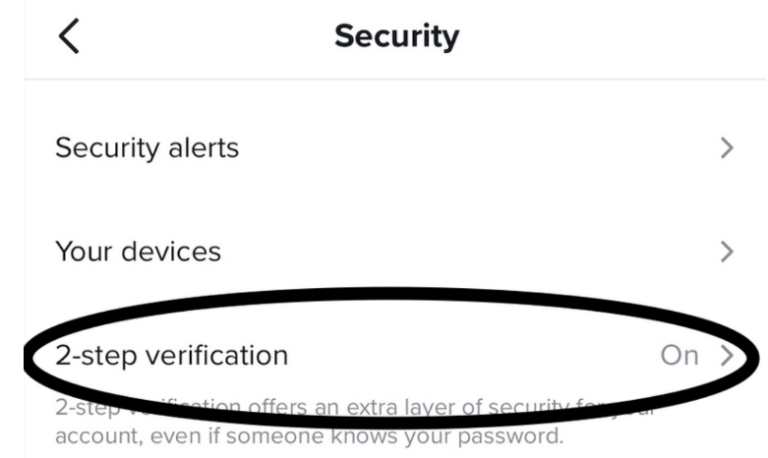
TikTok MFA

How to enable Multi-Factor Authentication on TikTok

Open TikTok App and go to -> Settings -> Security

PayPal

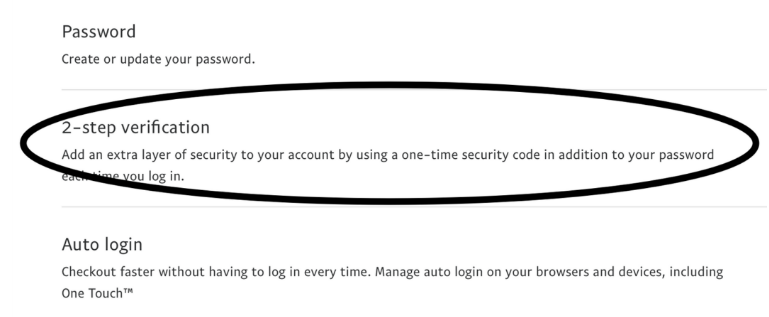
Paypal MFA

Direct Link for setting up Multi-Factor Authentication on PayPal

https://www.paypal.com/myaccount/security/

Telegram

Telegram MFA

How to enable Multi-Factor Authentication on Telegram

Open the Telegram App and go to -> Settings -> Privacy and Security

Discord

Discord MFA

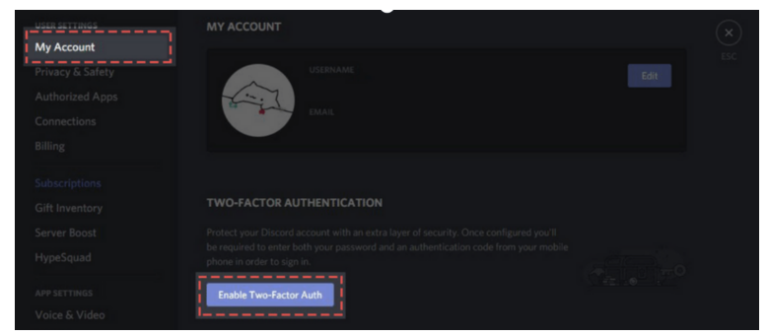
How to enable Multi-Factor Authentication on Discord

Open the Discord App and go to -> Your Profile -> Account

Roblox

Roblox MFA

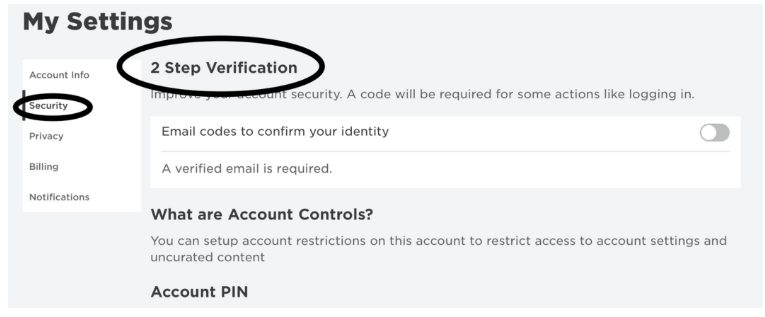
Direct Link for setting up Multi-Factor Authentication on Roblox

https://www.roblox.com/my/account#!/security

Uber

Uber MFA

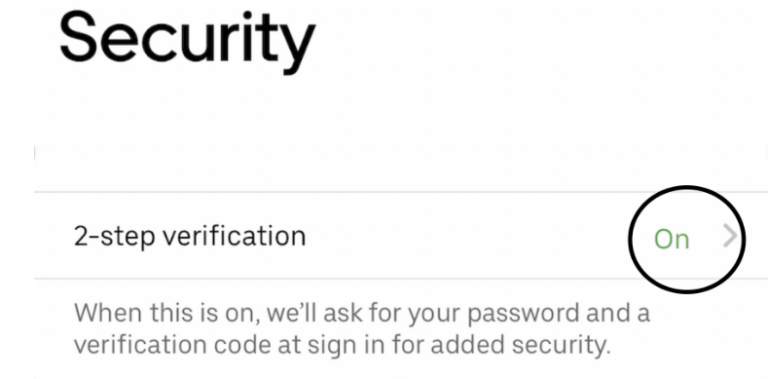
How to enable MFA on Uber

Open the Uber App and go to -> Your Profile -> Settings -> Security

Credit for this article goes to….

credit for MFA article
Table of Contents